The EBO SE 2 ($169.99) and EBO Air 2 ($199) are Enabot's two best-selling robots and look almost identical on paper: both are small 2K rolling cameras with a built-in laser, two-way audio, 24/7 recording and auto-recharge, the same 2,450 mAh battery and the same 6 mm / 4° limits. The differences are in the extras: the SE 2 has Wi-Fi 6 and a listed 32 GB SD card; the Air 2 adds an expression display, AI noise cancellation and long- and short-range self-charging. Details are from Enabot's product pages as of October 2026.
Comparison table
| Product | Best for | Buy |
|---|---|---|
1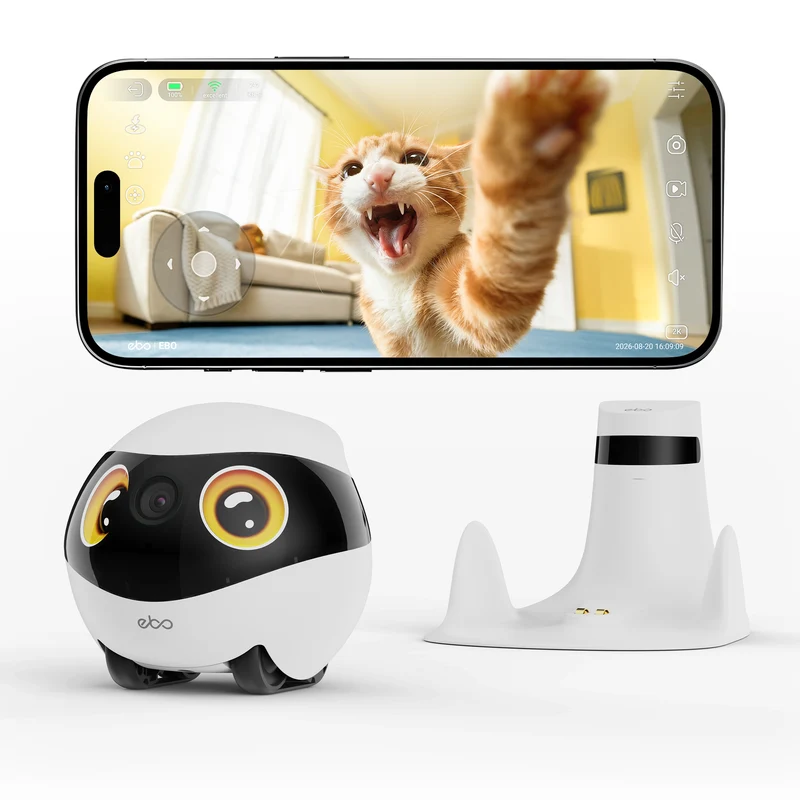 Enabot EBO SE 2 FamilyBotBest Value 10% off: TRANTRUNG Enabot EBO SE 2 FamilyBotBest Value 10% off: TRANTRUNG |
Cat owners who want laser play and the newest Wi-Fi for less | $169.99 |
2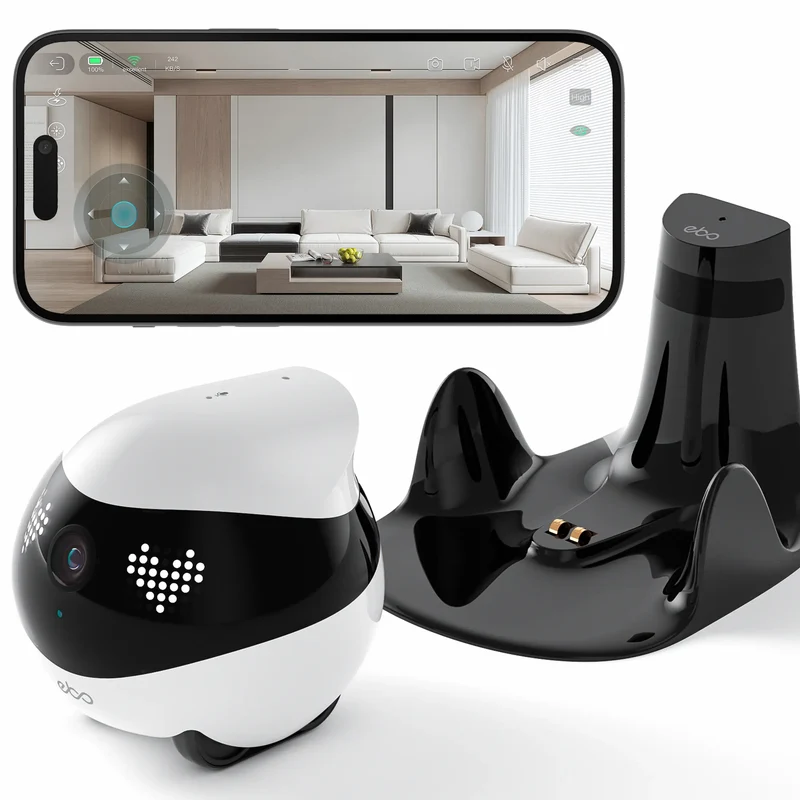 Enabot EBO Air 2 FamilyBotMost Features 10% off: TRANTRUNG Enabot EBO Air 2 FamilyBotMost Features 10% off: TRANTRUNG |
Families who want a more expressive robot that also talks clearly | $199 |
Best Value
#1 · Best Value
Enabot EBO SE 2 FamilyBot
2K, 137°, Wi-Fi 6, built-in laser, feather toy and Pet Fun Patrol, animated eyes, two-way audio, 24/7 recording, infrared auto-recharge with route memory, 32 GB SD card included. ~290 g, 61 dB. No store reviews yet.
Best for: Cat owners who want laser play and the newest Wi-Fi for less
Pros
- $29 cheaper
- Wi-Fi 6
- Pet Fun Patrol mode
Cons
- No store reviews yet
- Simpler animated eyes
- Wi-Fi
- Wi-Fi 6 (2.4/5 GHz)
- Display
- Animated eyes
- Store reviews
- None yet
Most Features
#2 · Most Features
Enabot EBO Air 2 FamilyBot
2K, 137°, laser, customizable expression display and desktop clock, two-way audio with AI noise cancellation, long- and short-range self-charging, 24/7 recording and motion alerts. 282 g, 61 dB. Dove White, Robin Pink or Jay Blue. 77 store reviews.
Best for: Families who want a more expressive robot that also talks clearly
Pros
- Expression display + desktop clock
- AI noise cancellation
- 77 store reviews
Cons
- $29 more
- Standard 2.4/5 GHz Wi-Fi
- Wi-Fi
- 2.4/5 GHz
- Display
- Custom expressions, clock
- Store reviews
- 77
From$199
Check Price on EnabotQuick verdict
- Most buyers, especially cat owners: get the EBO SE 2 ($169.99). You get the same 2K camera, laser and battery for $29 less, plus Wi-Fi 6 and Pet Fun Patrol.
- Want more personality and clearer calls? Get the EBO Air 2 ($199) for its customizable expression display, desktop clock, AI noise cancellation and long-range self-charging. It also has 77 store reviews, while the SE 2 is brand new.
With code TRANTRUNG (10% off at the time of writing), that's about $153 vs $179.
Side-by-side comparison
| EBO SE 2 | EBO Air 2 | |
|---|---|---|
| Price | $169.99 | $199 |
| Camera | 2K (2304×1296), 137° | 2K (2304×1296), 137° |
| Laser | Yes, + feather toy | Yes |
| Display | Animated eyes | Customizable expressions, desktop clock |
| Audio | Two-way | Two-way, AI noise cancellation |
| Self-charging | Infrared + route memory | Long- and short-range |
| Wi-Fi | Wi-Fi 6, 2.4/5 GHz | 2.4/5 GHz |
| Battery | 2,450 mAh, 4–7 h | 2,450 mAh, 4–7 h |
| Obstacles / slope | ≤6 mm / ≤4° | ≤6 mm / ≤4° |
| Speed | 20–60 cm/s | 20–55 cm/s |
| Weight | ~290 g | 282 g |
| Store reviews | None yet | 77 |
What's the same
Both are tennis-ball-sized 2K robots you drive from the Enabot app, with night vision, two-way audio, 24/7 recording, motion alerts, a built-in laser, auto-recharge and microSD storage up to 256 GB. Battery, size, noise (61 dB) and obstacle limits are essentially identical.
What's different
- Connectivity: the SE 2 has Wi-Fi 6, which Enabot says gives a more stable, lower-latency connection.
- Personality: the Air 2's expression display lets you set custom emojis and shows a desktop clock; the SE 2 has animated eyes.
- Audio: the Air 2 adds AI noise cancellation for clearer two-way talk.
- Pet play: the SE 2 adds a feather toy and Pet Fun Patrol.
- Track record: the Air 2 has 77 store reviews; the SE 2 is new.
Before you buy either
- Floors: both only cross ~6 mm obstacles, so measure rugs and thresholds.
- Returns: 14 days for any reason, but you pay return shipping and the robot must look unused.
- Warranty: 1 year (2 in Europe), country of purchase only. Enabot's Trustpilot score is 3.3/5.
- Laser safety: never aim the laser at eyes.
The bottom line
The EBO SE 2 is the better value: the same core robot as the Air 2 with newer Wi-Fi and extra pet play for $29 less. Choose the EBO Air 2 if you want the expression display, clearer audio and a model with an established review history. Compare them with the rest of the range in our best Enabot pet robots guide, read the EBO SE 2 review and our full Enabot review.